01
Check the active request
Open the ride or delivery in the app and review its current status.
Everest help
Find answers for rides, deliveries, payments, availability, partner accounts, and account deletion.
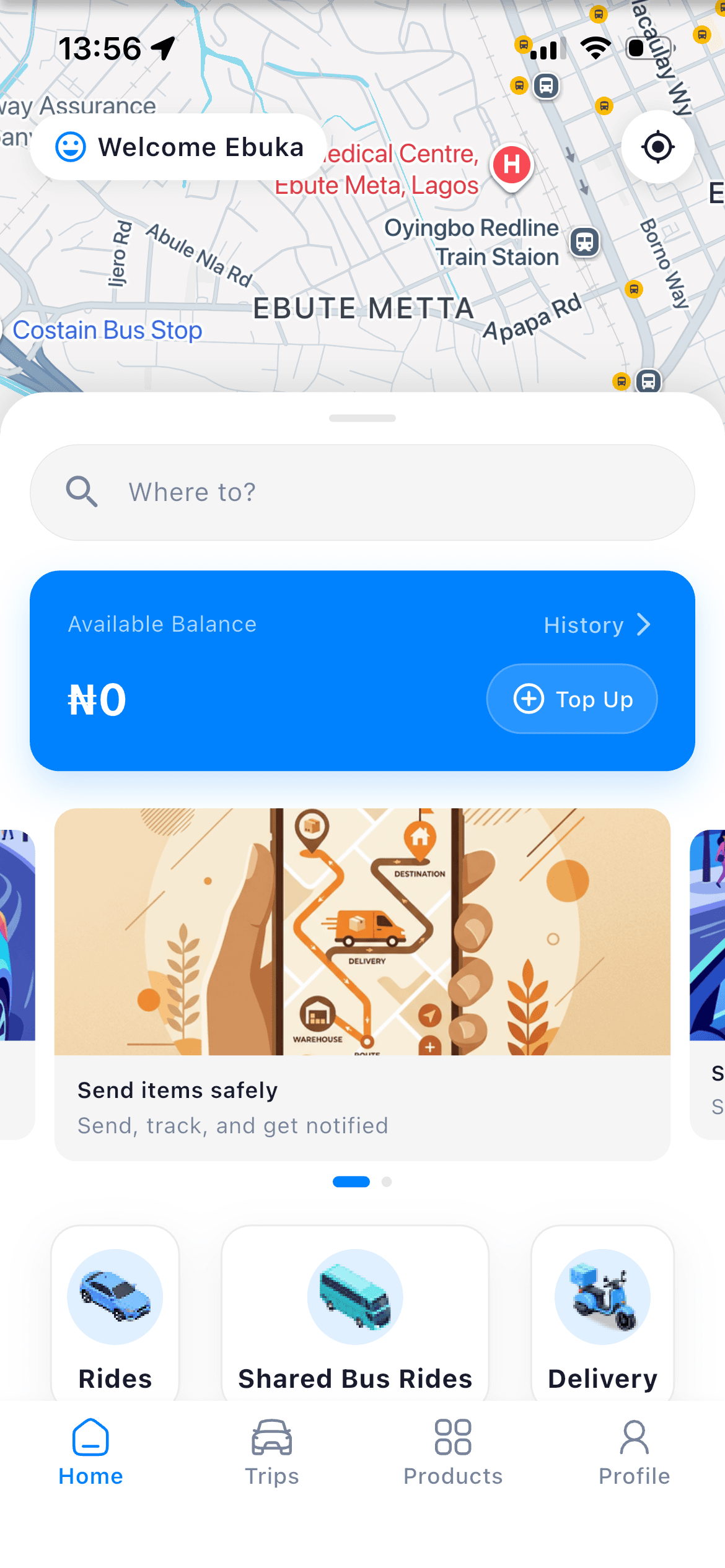
Start in your account
Your active requests and records are close by
How it works
Open the ride or delivery in the app and review its current status.
Include the phone number or email on your account and the relevant trip information.
Email [email protected] when you need help that the app does not resolve.
Email [email protected].
Everest is a mobility app for requesting rides, sending packages, using shared trips where available, making wallet payments, and working in approved driver or courier roles.
Download the Everest app, create an account, choose the service you need, enter the requested locations and details, then review the available option before confirming.
Email [email protected]. Include the phone number or email on your account and the relevant trip details.
Use the account deletion request page on the Everest website. The support team verifies the account before processing a valid request.
Coverage and service availability can change. Open the app to see the current ride, delivery, shared-trip, or partner options around you.
The current price or fee is shown in the app before you confirm an available request.
Include the phone number or email on your account and the relevant trip details.